> ## Documentation Index
> Fetch the complete documentation index at: https://daysheets.com/docs/llms.txt
> Use this file to discover all available pages before exploring further.
# Adding Hotels & Lodging
With the Daysheets mobile app, you can add hotels, rentals, and more to your itinerary from anywhere.\
\
Here’s how:
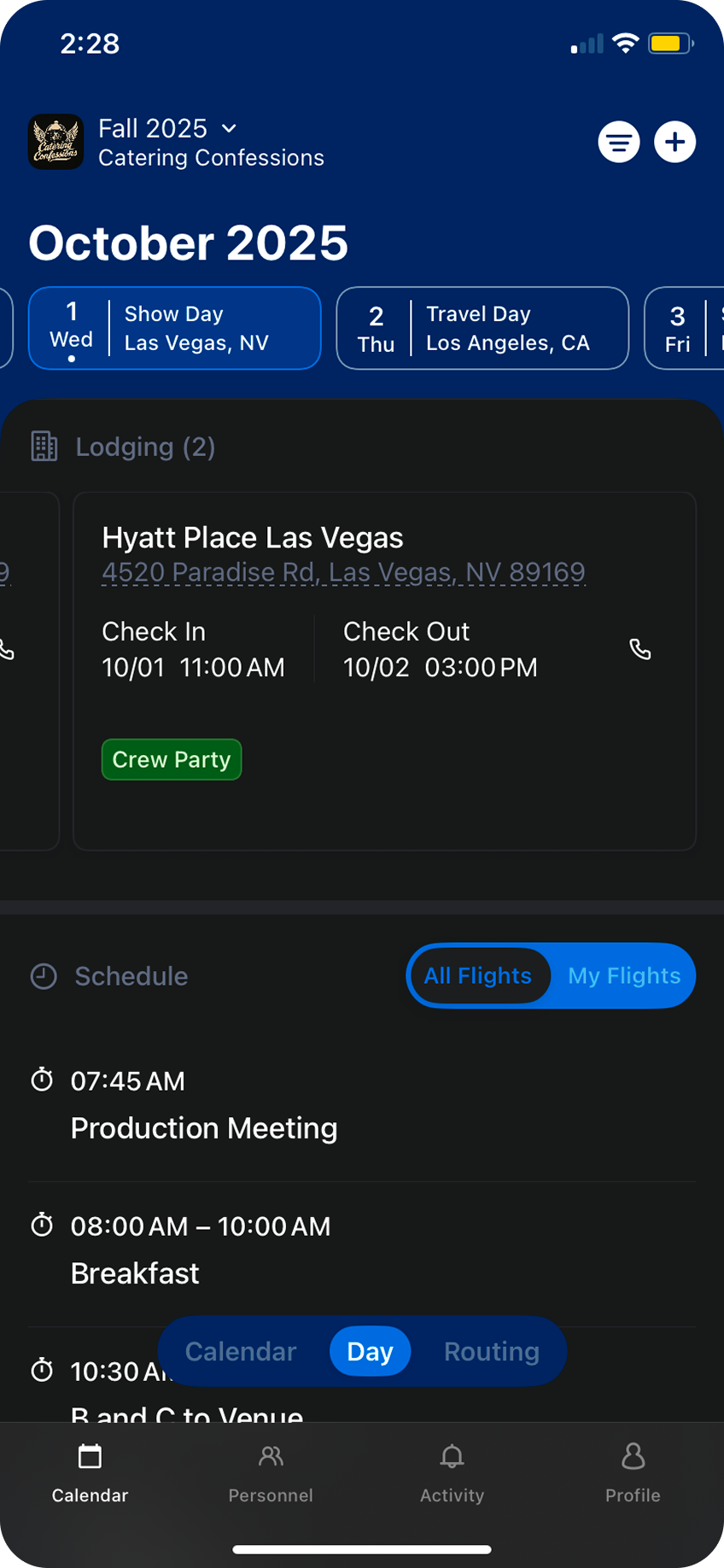
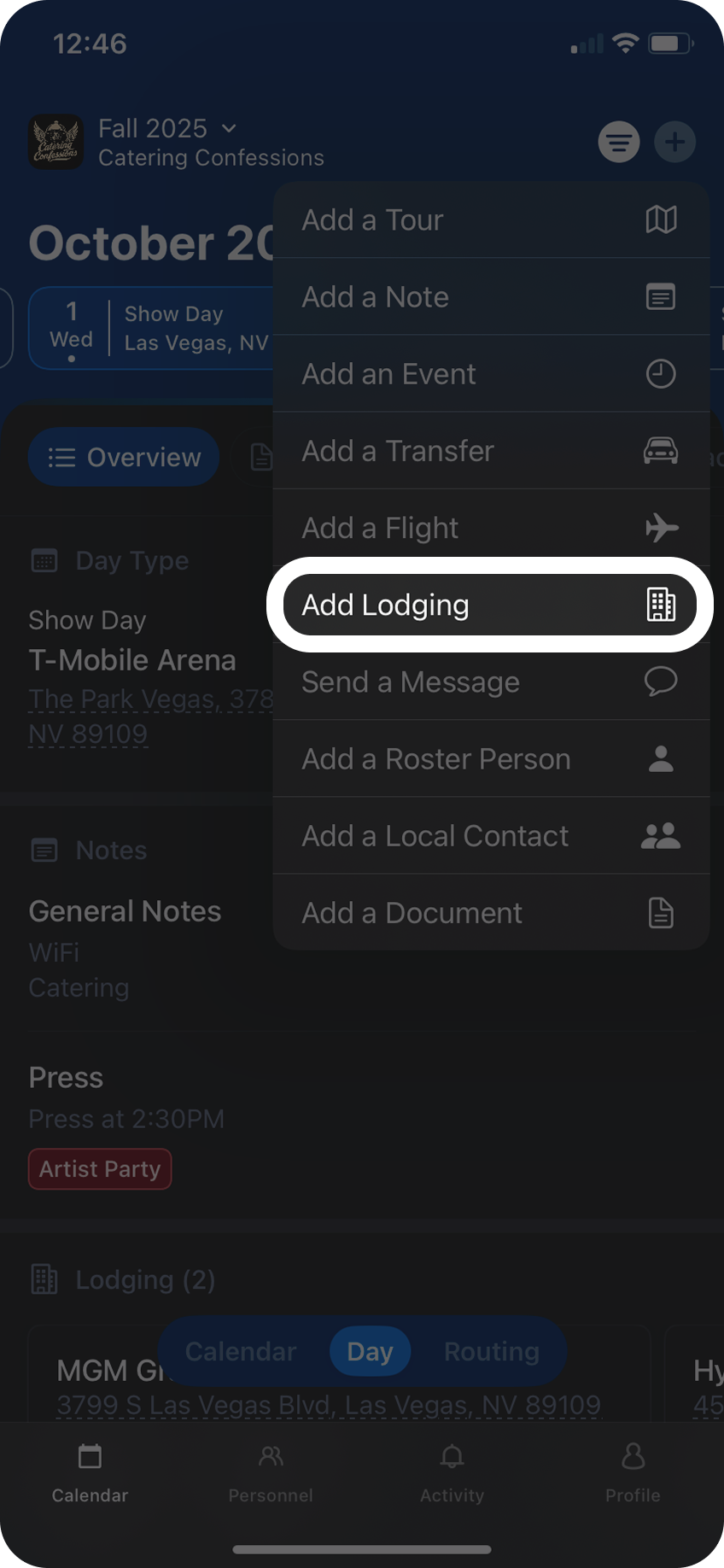
Tap the `+` button in the top right and select `Add Lodging`
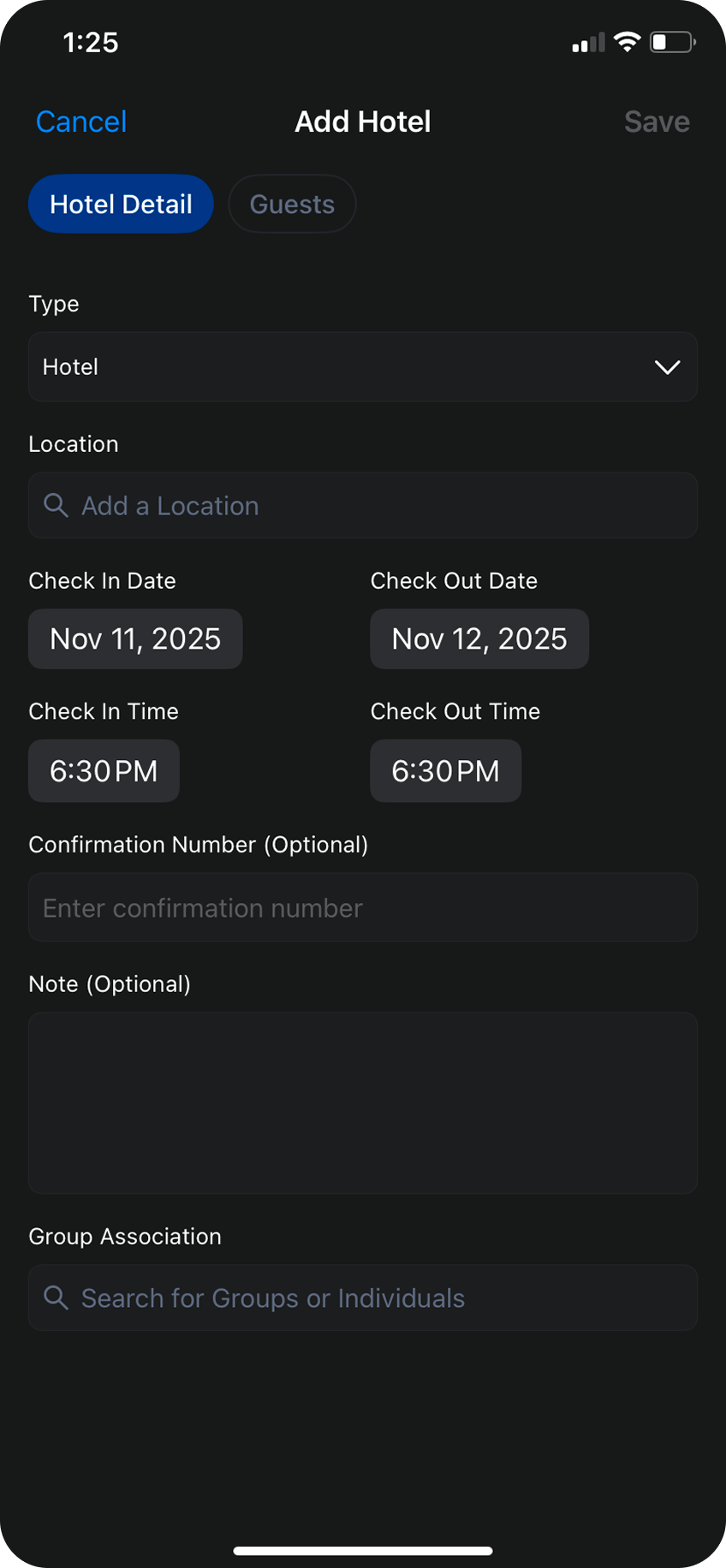
 Select your lodging type: Hotel, Residence, or Rental. \
\
Next, search for the name of the hotel or the address of the residence where you'll be staying.\
\
From there you can add check-in and check-out dates, and optional check-in and check-out times.
You can also include confirmation numbers and notes as optional information.
Use the Group Association seach bar to associate a group with this reservationd
Select your lodging type: Hotel, Residence, or Rental. \
\
Next, search for the name of the hotel or the address of the residence where you'll be staying.\
\
From there you can add check-in and check-out dates, and optional check-in and check-out times.
You can also include confirmation numbers and notes as optional information.
Use the Group Association seach bar to associate a group with this reservationd
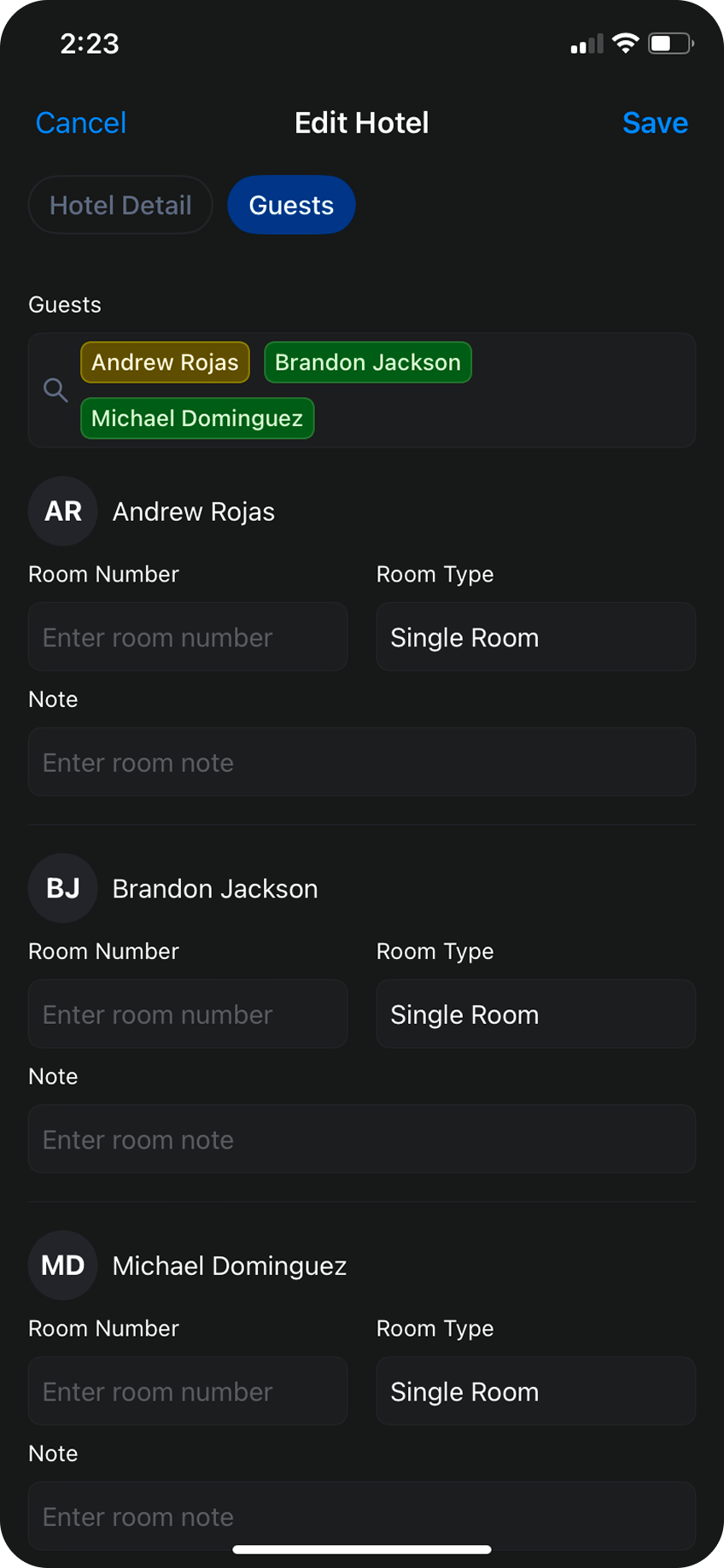
 To add a rooming list to this reservation, toggle to the `Guests` tab and search for individual(s) in the search bar. As you add personnel to the rooming list you can include room numbers, room types, and additional notes.
 Hit `Save`, and your lodging is now live in Daysheets for the rest of the team to see.