How to enter Schedules
There are multiple ways to enter the schedule. From quick adds to templates, scroll through below to see which options is best suited for your needs.Adding a single event
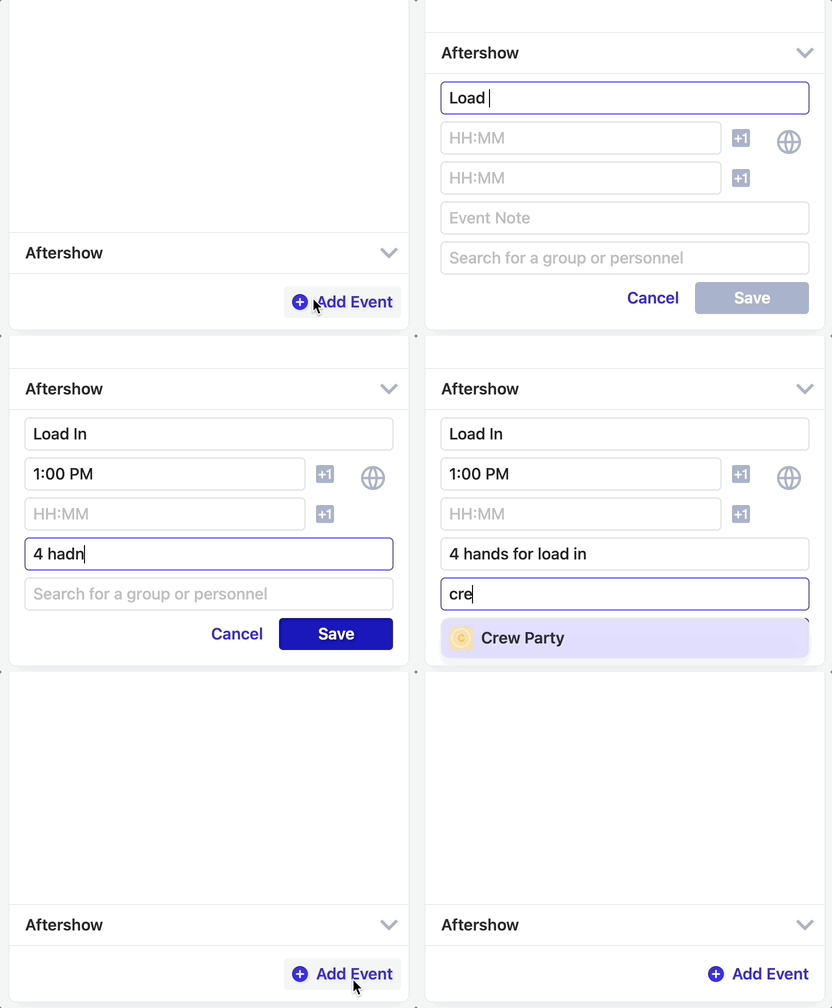
At the bottom of the schedule, you can click “Add Event” to add an event to the schedule. The following fields will appear:- Event Name
- Start Time & End Times
- hint: use the +1 button for events that happen after midnight*
- Event Notes
- Association
- Search for personnel or groups to associate with the event if you’re using visibility.
Building a schedule for the day
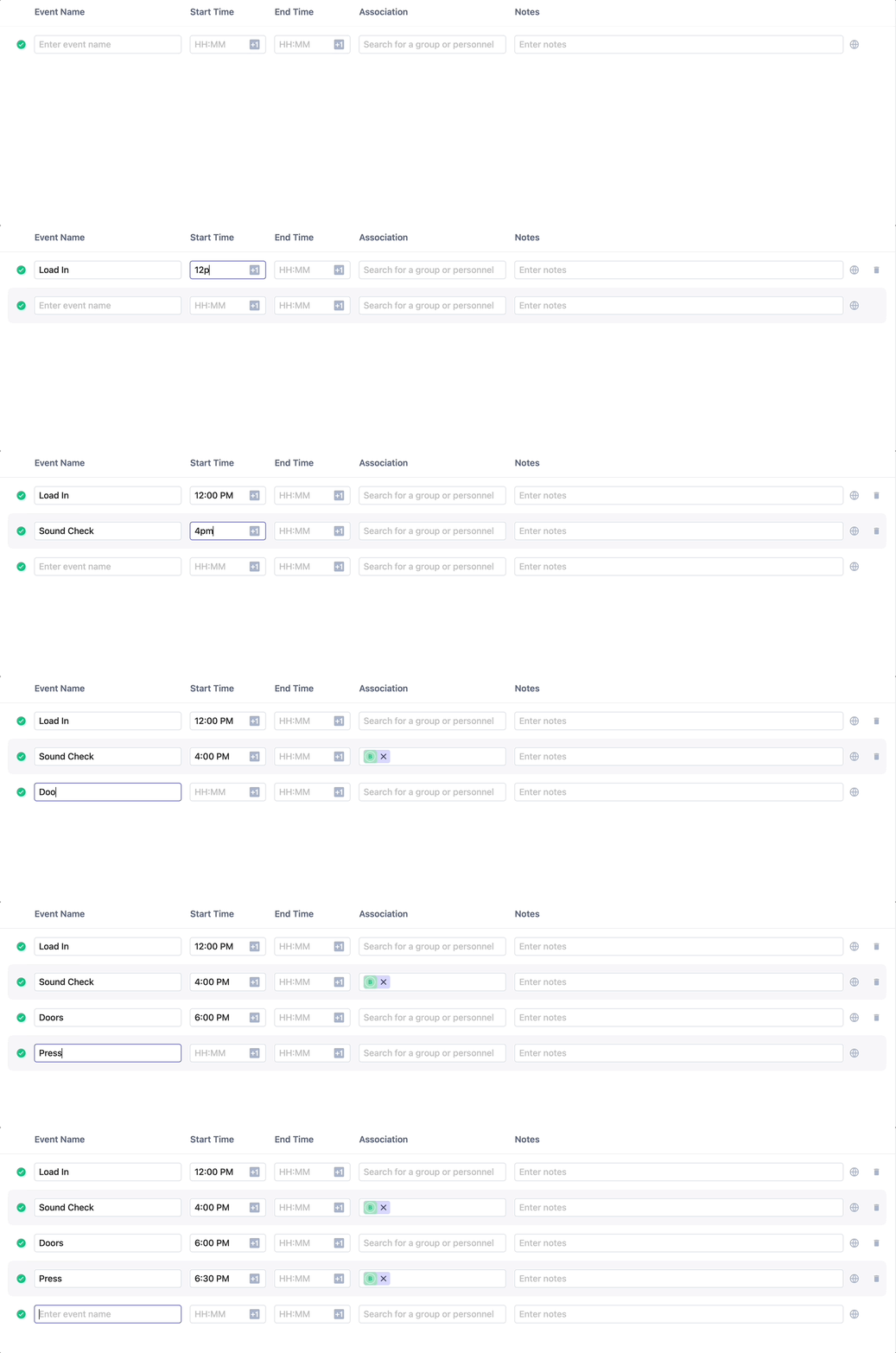
Click “Edit” at the top of the schedule to edit multiple events at once. A new window will appear, allowing you to tab through creating as many events as you have on the day. The schedule will automatically sort based on the start times of the events.