
Welcome to Daysheets 2.0!
We're pleased to introduced a brand new version of Daysheets, redesigned from the ground up based on your feedback.

By Ben Melman
Founder & CEO
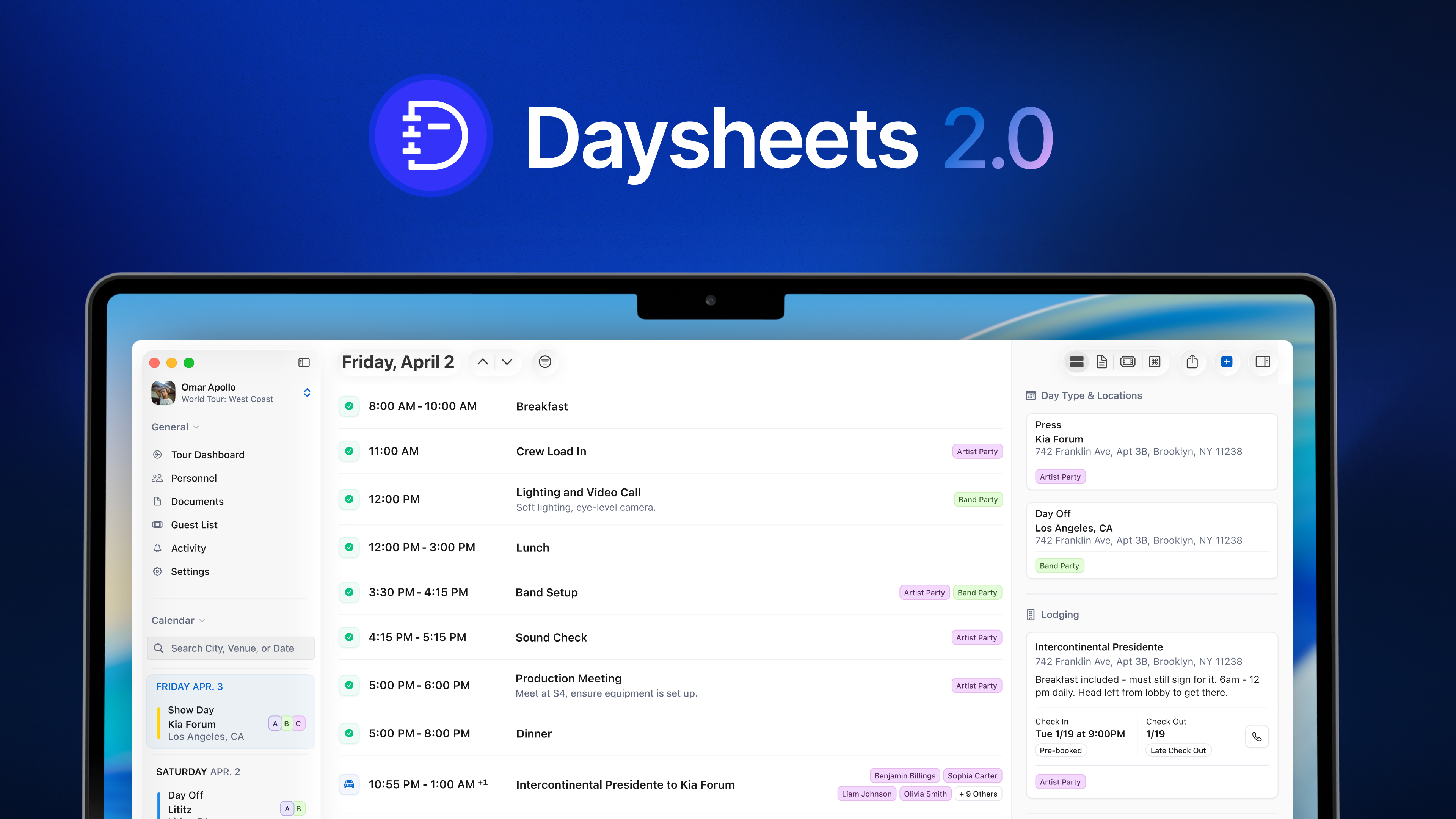
Welcome to Daysheets 2.0
We've supported tours at every level, from solo artists to arena and stadium productions moving hundreds of people. We've listened to our tour managers solving 2am schedule changes, production coordinators managing complex logistics, and teams moving through different cities on the same tour.
Daysheets 2.0 isn't just a redesign. It's an evolution built from your feedback.
We learned that speed matters as much as features, that clarity beats complexity, and that collaboration needs to be seamless. So we re-designed from the ground up.
Why We Redesigned
Tour management software hasn't kept pace with how touring actually works in 2026. Whether teams are managing tours with spreadsheets, Master Tour, or other platforms, they face the same challenges: time-consuming data entry, complicated interfaces, and limited changes on the fly.
We built Daysheets 2.0 to solve these problems with modern infrastructure, intuitive design, and the features tour managers need today.
What's New in Daysheets 2.0
New Personnel Grid
Import your entire crew from your grid. Pull personnel and groups from previous tours. Create sophisticated organizational structures with Group Tags for departmentalization. Create group tags for Lighting, Video, Audio, or advanced cross-group tags such as "Bus 1" or "Grammys." Customizable CSV exports give you control over what gets sent to hotels, travel agents, or venue staff.
Learn more about the new personnel grid here!
Redesigned Layout
Liquid glass navigation provides an intuitive, modern interface. The details panel consolidates day types, hotels, notes, and contacts exactly where you need them, and allows you to hide them when not your focus point. The wider schedule gives you more room for easier viewing.
Learn more about the new layout here!
Templates and Bumps
the brand new templates, allow you to save common schedules with admin collaboration and group associations built in.
We’re also introducing Bumps. Adjust start and end times for multiple events at once. Changed doors from 6pm to 7pm and need to add an hour to your run of show? That's one action. Production needs to push everything back 15 minutes? Select the events, apply a bump, done.
You can learn about templates and bumps by clicking here!
Overhauled Flight Grid
We've completely overhauled the flight creation and import process. Create flights faster, export customizable grids exactly how you need them, and leverage enhanced Daysheets AI Import for greater accuracy. you can learn more about the brand new flight grid here.
Live-Sync
Real-time collaboration for teams working simultaneously. Your production manager in Nashville and your tour manager in LA can both work on the same schedule without conflicts. Changes sync instantly between team members.
Everything You Love, Even Better
If you know Daysheets 1.0, you already know Daysheets 2.0—now with more power. Buttons are in familiar locations, workflows feel natural, and the keyboard-first philosophy you rely on is stronger than ever.
Get Started Today
New to Daysheets? See what modern tour management looks like. Start your 14-day trial or book a demo at daysheets.com.
Existing users: Your feedback shaped every feature. This is just the beginning, and we have more on the horizon. Thank you for all of your support.
Your tours deserve tools that work as hard as you do.